Have you ever tried uploading a photo to an online job application, government portal, or university form, only to be blocked by an annoying error message saying “File size exceeds limit”? Or perhaps you’ve tried sending an email with attachments, only for it to bounce back because the files were too heavy?
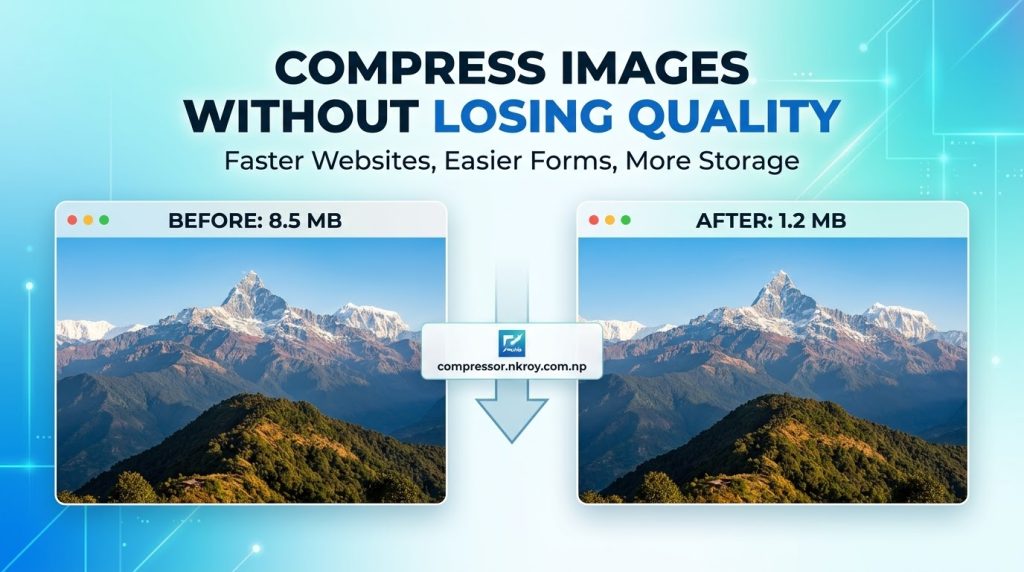
If you are a blogger or webmaster, uncompressed photos can severely slow down your site, destroying your mobile user experience and tanking your Google rankings.
When I built Free Online Image Compressor (compressor.nkroy.com.np), my goal was simple: create a free online image compressor that compresses photos in seconds without forcing you to upload sensitive documents to an external server or compromise image quality.
In this guide, I will walk you through how to compress your images online for free using this client-side tool—no software installation, no sign-ups, and 0% risk to your privacy.
Why Use Free Online Image Compressor (compressor.nkroy.com.np)?
Unlike traditional online converters that upload your photos to remote cloud servers, Free Online Image Compressor (compressor.nkroy.com.np) operates 100% inside your web browser. Here is why that matters for your security and efficiency:
* 100% Client-Side Privacy (Zero Server Uploads): Your sensitive IDs, passport photos, or personal photos never leave your device. Compression happens locally in your browser session.
* “Never Bigger” Guardrail: Have you ever used an image tool that actually made your file larger after compression? Our “Never Bigger” guardrail guarantees your file size will only stay the same or decrease.
* Interactive Before & After Comparison Slider: Inspect fine pixel details side-by-side using an interactive visual slider before downloading.
* Batch Compression & ZIP Export: Drop multiple files at once and download everything neatly packaged in a single ZIP file.
* Wide Format Support: Works seamlessly across JPEG/JPG, PNG, WebP, SVG, GIF, and BMP formats.
How to Compress Image Size Free (Step-by-Step Tutorial)
Follow these simple steps to reduce your photo size in seconds:
1. Access the Free Online Image Compressor Tool
2. Select Your Desired Compression Level
3. Drag & Drop or Browse Files
4. Inspect Quality & Download
Real Test Results: How Much Space Can You Save?
In a recent test on a sample photograph, applying the High Compression setting achieved an 89% space savings—reducing the original file from 280.3 KB down to just 32.1 KB:
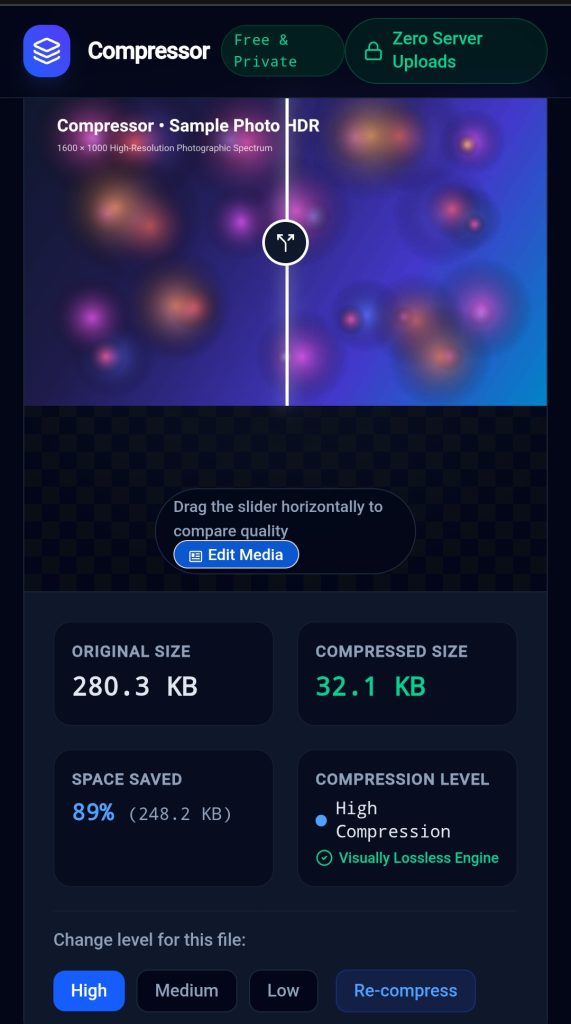
Notice that despite dropping from nearly 300 KB to ~32 KB, the output remains visually lossless to the human eye.
Common Use Cases for Free Image Compression
* Online Forms & Job Applications: Reduce passport photos, signatures, and document scans under strict site limits (e.g., under 100 KB or 200 KB).
* Email Attachments: Shrink heavy image files to prevent email bounce-backs due to size caps.
* SEO & Web Performance: Improve Google Core Web Vitals score by loading lightweight media that loads fast on mobile connections.
* Free Up Mobile & PC Storage: Save gigabytes of local drive space without deleting precious photos.
Frequently Asked Questions (FAQ)
Is it safe to compress official ID cards and passport photos here?
Yes! Because compressor.nkroy.com.np runs on 100% client-side technology, your images are never uploaded to or stored on any server. Processing happens entirely inside your browser, making it completely secure for sensitive personal documents.
Does compressing an image reduce its physical dimensions?
No. Compression optimizes the internal file data structure to reduce the file size in KB or MB without changing your photo’s pixel dimensions unless scaling is explicitly enabled.
Can I compress multiple images at once?
Yes. You can drag and drop a batch of images simultaneously and download them all together using the Batch ZIP Export feature.
Start Optimizing Your Images Today
Whether you need to shrink an image for an urgent online application or speed up your personal blog, reducing file sizes should be fast, private, and free.
Head over to Free Online Image Compressor (compressor.nkroy.com.np) to com
Press your images online for free today!